
Unofficial community site. Not affiliated with OpenMOSS.
MossImage — Free Online AI Image Generator
MossImage is an online AI image generator for MOSS-Image, the open-source model known for clean, readable text. Use it in your browser, with no ComfyUI to install. Sign up free for 3 credits.
Examples
MOSS-Image examples: posters, product shots, art and more
Each image was made from the prompt shown with it. Load one into the generator above and change it however you like.
Making a flyer? Try the AI Flyer Generator →Sending Christmas cards? Make one here →Or turn a family photo into a Christmas photo →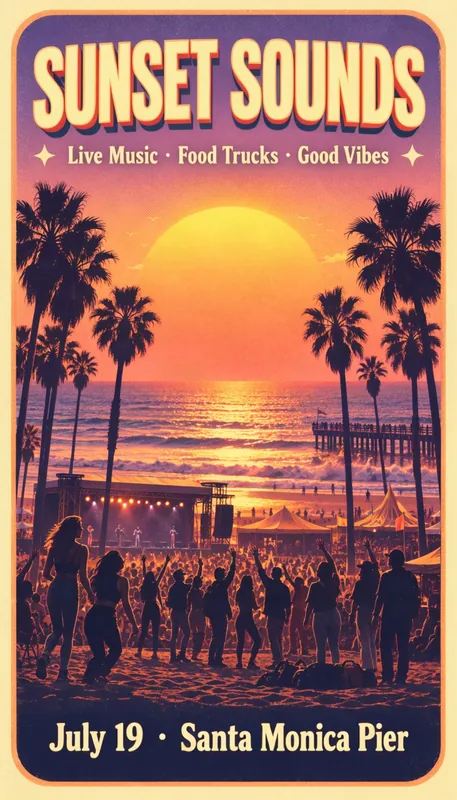
Music festival poster9:16
Prompt · Music festival poster
A bold summer music festival poster. Huge retro title "SUNSET SOUNDS" at the top, the line "Live Music · Food Trucks · Good Vibes" below it, an illustrated palm-lined beach at golden hour with a crowd in front of a small stage, and a footer reading "July 19 · Santa Monica Pier". Warm orange, pink and purple gradient, screen-print texture.
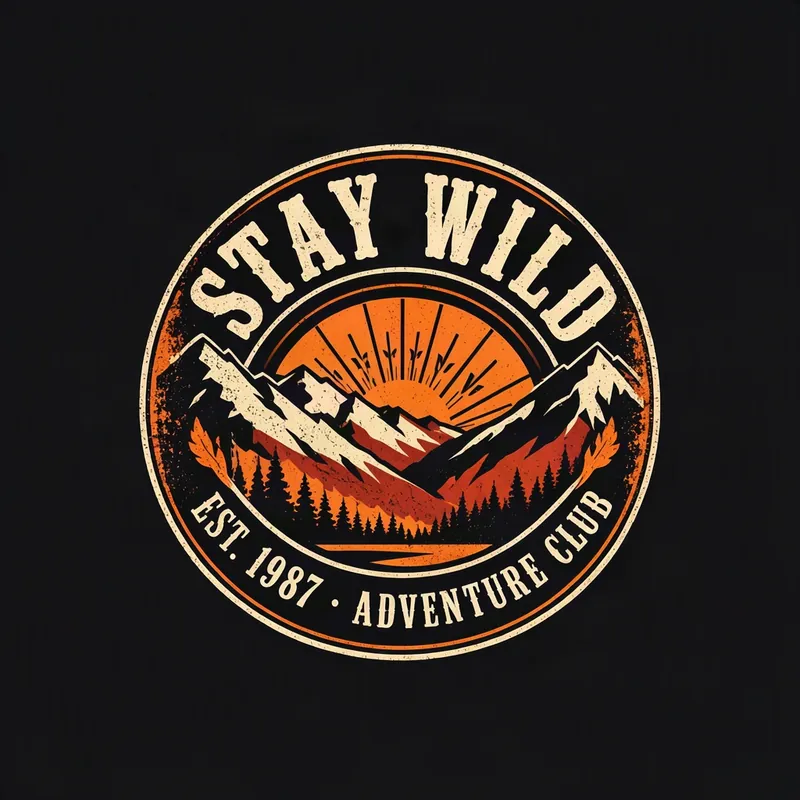
T-shirt graphic1:1
Prompt · T-shirt graphic
A vintage t-shirt graphic on a plain black background: a round retro badge with mountains and a rising sun, the arched text "STAY WILD" on top and "EST. 1987 · ADVENTURE CLUB" below. Distressed screen-print style in cream and orange.
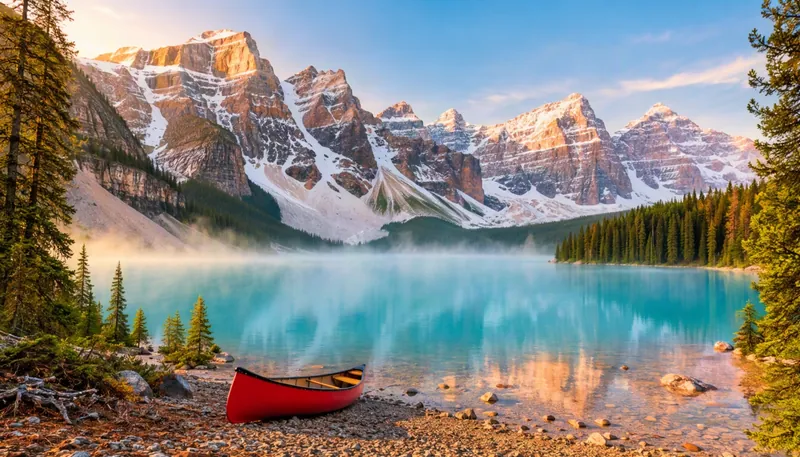
Landscape photo16:9
Prompt · Landscape photo
A wide landscape photograph of a turquoise glacial lake surrounded by snowy mountain peaks at sunrise, pine forest in the foreground, mist over the water and a small red canoe on the shore. Crisp and highly detailed, nature magazine style. No text.
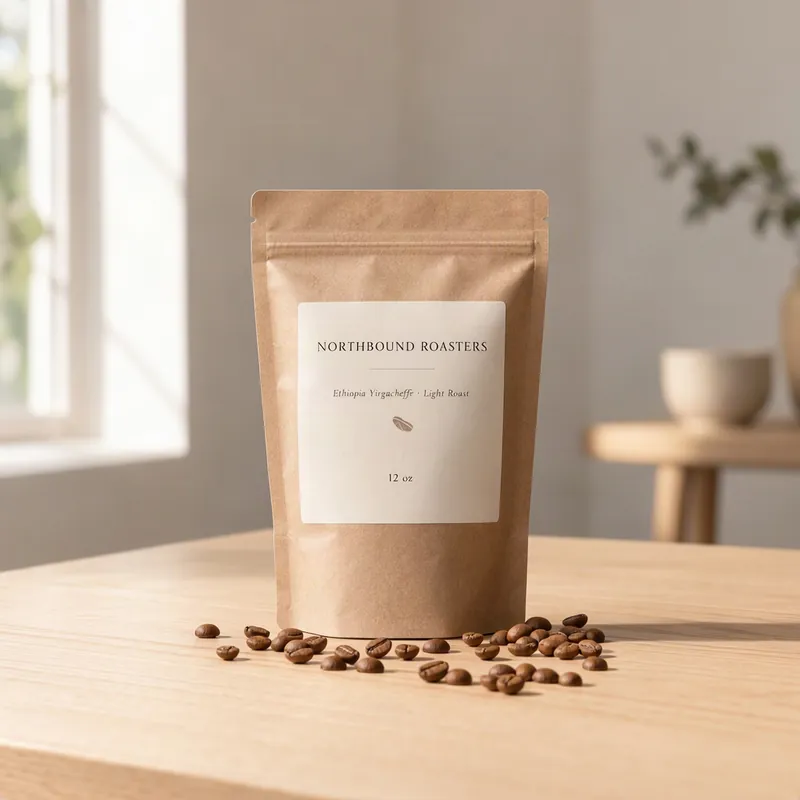
Coffee bag label1:1
Prompt · Coffee bag label
A studio product photo of a matte kraft-paper coffee bag standing on a light oak table. The label reads "NORTHBOUND ROASTERS" in a clean serif font, with "Ethiopia Yirgacheffe · Light Roast" and "12 oz" in smaller text below. A few scattered coffee beans, soft window light, minimal and premium.
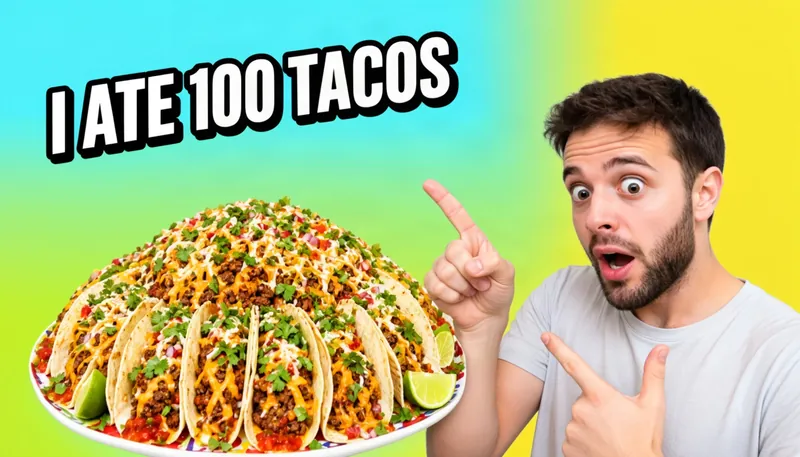
YouTube thumbnail16:9
Prompt · YouTube thumbnail
A YouTube video thumbnail. A surprised young man with a short beard on the right, pointing at a giant plate of tacos on the left. Huge bold white text with a thick black outline reading "I ATE 100 TACOS" across the top left. Bright saturated colors, high contrast, clean background.
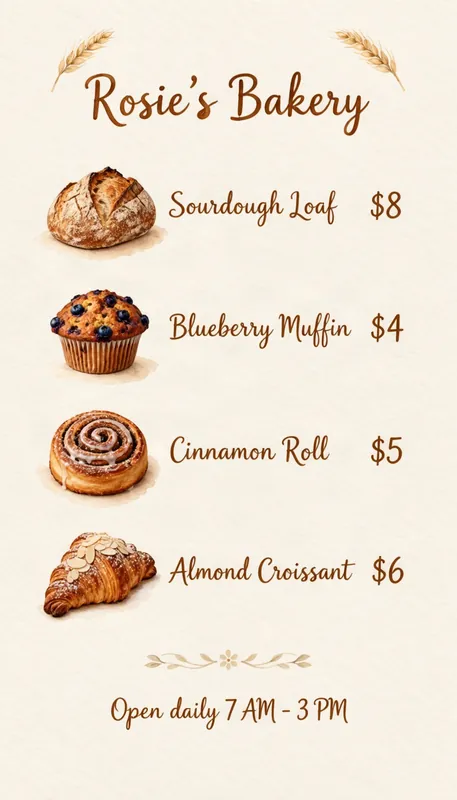
Bakery price list9:16
Prompt · Bakery price list
A friendly bakery flyer on cream paper. Title "Rosie's Bakery" in hand-lettered script at the top, then a price list: "Sourdough Loaf $8", "Blueberry Muffin $4", "Cinnamon Roll $5", "Almond Croissant $6". Watercolor illustrations of bread and pastries, and a footer reading "Open daily 7 AM - 3 PM".
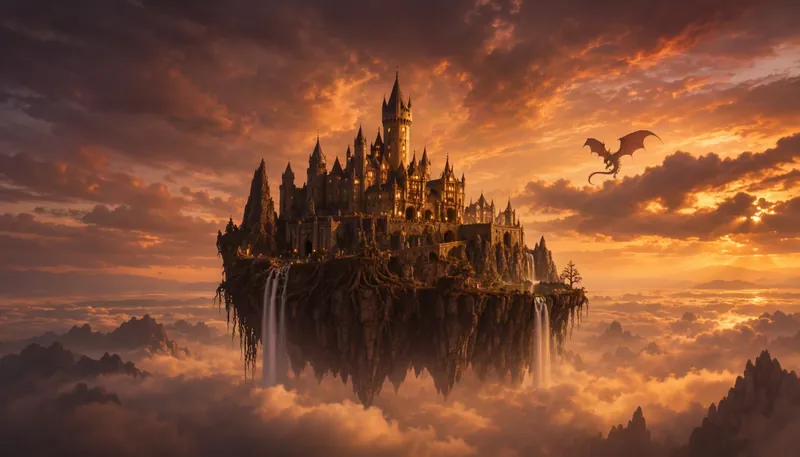
Fantasy concept art16:9
Prompt · Fantasy concept art
Epic fantasy concept art of a castle on a floating cliff above the clouds at dusk, waterfalls pouring off the edge, a dragon circling in the distance, dramatic golden light, painterly digital art. No text.
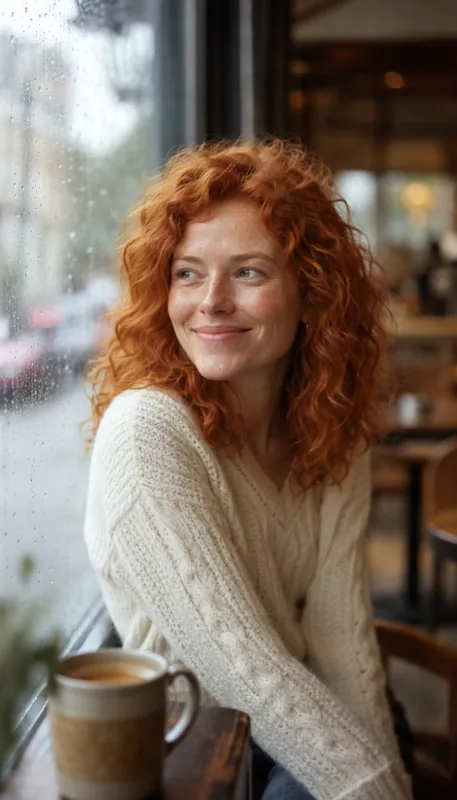
Portrait photo9:16
Prompt · Portrait photo
A natural-light portrait photo of a woman in her thirties with curly red hair and freckles, wearing a chunky knit sweater, smiling softly as she sits by a cafe window on a rainy day. 85mm lens, shallow depth of field, subtle film grain. No text.
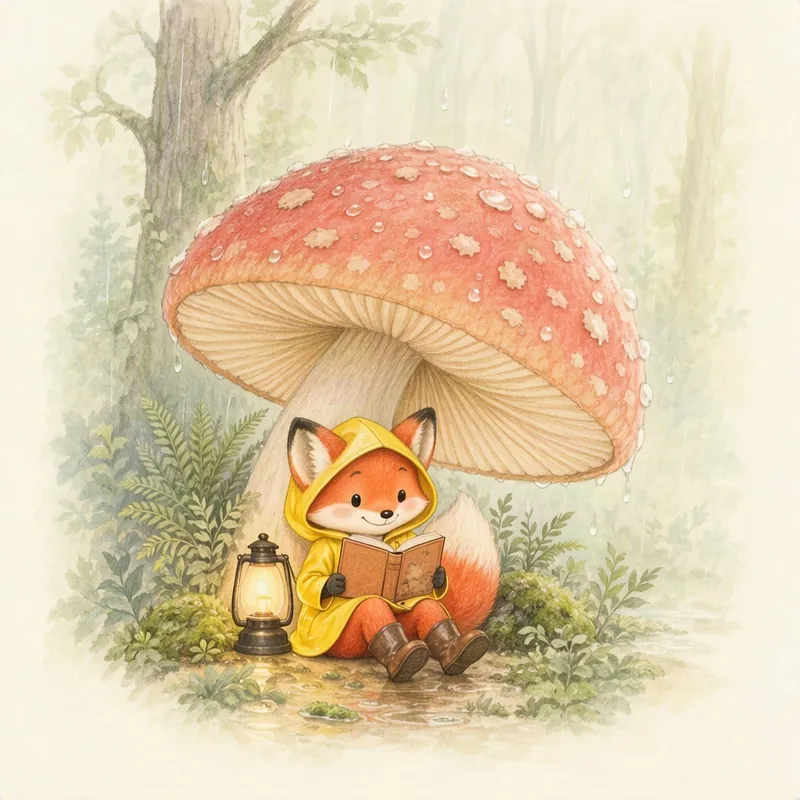
Storybook illustration1:1
Prompt · Storybook illustration
A whimsical children's storybook illustration of a small fox in a yellow raincoat reading a book under a giant mushroom while rain falls in a cozy forest. Soft watercolor and colored pencil, warm gentle colors. No text.
About the model
What is MOSS-Image?
MOSS-Image is an open-source text-to-image model from OpenMOSS. It is a 5B-parameter base model built on a diffusion transformer (DiT), licensed under Apache-2.0 and released on October 16, 2026.
It is best known for rendering text accurately inside images, in English and Chinese, for layout generation and control with JSON layouts, and for efficient fine-tuning. ComfyUI supports it natively, so you can also run it on your own machine.
MossImage Studio is an independent site that runs MOSS-Image so you can try it in your browser. It is unofficial and not affiliated with OpenMOSS.
MOSS-Image at a glance
- Developer
- OpenMOSS
- Size
- 5B parameters
- Architecture
- Base DiT model
- License
- Apache-2.0
- Released
Features
Key features of MOSS-Image
What makes the model worth trying, and what you can do with it here.
Clean text in your images
Headlines, prices, labels and captions come out readable, so posters, flyers and thumbnails need less fixing. Chinese text works too.
Layout control
Drag boxes to place text and objects, export the layout as MOSS-Image JSON, or fix a word and regenerate with the same seed, which keeps the composition close though details can change.
Open the layout editor →Open source and runs locally
Released under Apache-2.0, with code on GitHub and the model on Hugging Face. ComfyUI supports it natively, so you can run it yourself.
Multiple aspect ratios
Choose 1:1, 16:9 or 9:16 at Standard or HD size for posters, banners, covers and social posts.
How it works
How to use the MOSS Image AI Generator
From a prompt to a finished image in three steps.
Write your prompt
Describe the image in plain English. Put the exact words you want in the image inside quotation marks.
Choose ratio and quality
Pick 1:1, 16:9 or 9:16, then Standard (about 1 MP) or HD (about 2 MP).
Generate and download
Click Generate. Your image usually appears in under a minute, and you can download it from the result panel.
Pricing
Pay once, use anytime
Your first three standard images are on us. After that, buy a credit pack: one-time payment, no subscription, and the credits never expire.
- New accounts get 3 free credits
- 1 credit = 1 standard image, HD = 2 credits
- Free images include a small watermark
Starter
30 credits
$4.99≈ $0.17 per image- = 30 standard or 15 HD images
- One-time payment, no subscription
- No watermark
- Never expires
Creator
Recommended80 credits
$9.99≈ $0.12 per image- = 80 standard or 40 HD images
- One-time payment, no subscription
- No watermark
- Never expires
Pro
250 credits
$24.99≈ $0.10 per image- = 250 standard or 125 HD images
- One-time payment, no subscription
- No watermark
- Never expires
Prices in USD; taxes may be added at checkout. Buying any pack removes the watermark from your past and future images. Payments are processed by Waffo.
FAQ
Frequently asked questions about the MOSS Image AI Generator
Is the MOSS Image AI Generator free?
You can try it for free. New accounts get 3 free credits, which pay for three standard images. Images made with free credits include a small mossimage.studio watermark. After that, credit packs start at $4.99 for 30 credits ($9.99 for 80, $24.99 for 250). They are one-time payments, the credits never expire, and buying any pack removes the watermark from your past and future images.
Can I use MossImage online without installing anything?
Yes. You use it in your browser and the model runs in the cloud, so there is no ComfyUI to install, no model weights to download and no GPU needed; you only need a free account to generate. This is an independent, unofficial site and is not affiliated with OpenMOSS. To run the model on your own computer instead, follow our Moss Image ComfyUI workflow, and see the Moss Image prompt guide for prompts that work in both.
What is the difference between MOSS-Image base and SFT?
SFT is the base model fine-tuned on curated data, and in OpenMOSS's own comparison it groups text more clearly with a neater layout, so use it to make images; it is also the version this generator runs. Base has had no post-training, which makes it the one to start from when you train a LoRA or fine-tune; our base vs SFT comparison covers the details.
Is this the official MOSS-Image site?
No. MossImage Studio is an independent, unofficial site and is not affiliated with OpenMOSS. MOSS-Image is an open-source model released by OpenMOSS under the Apache-2.0 license. Its official pages are the OpenMOSS repository on GitHub and the OpenMOSS-Team page on Hugging Face.
Can I use the images commercially?
Yes. The images you generate belong to you and you can use them commercially. MOSS-Image is released under the Apache-2.0 license. We do not guarantee that generated images do not infringe the rights of third parties, so you are responsible for how you use them.
Can it put text in images?
Yes. Clean, readable text is one of the main strengths of MOSS-Image, in English and in Chinese. Put the words you want inside quotation marks in your prompt, for example a poster titled "Summer Market". Very small or very long text can still contain mistakes, so check the result before you use it.
How is MOSS-Image different from GPT Image 2.6?
GPT Image 2.6 is OpenAI's closed model, and it is not offered on this site. MOSS-Image has open weights, and the generator here runs it. In our test both spelled all 39 lines correctly: GPT Image 2.6 designed more on its own, while MOSS-Image followed exact layout boxes. See the full GPT Image 2.6 vs MOSS-Image test.
How do I run MOSS-Image in ComfyUI?
ComfyUI supports MOSS-Image natively. Update ComfyUI to a recent version, download the model from the official Hugging Face page, and follow the instructions in the official GitHub repository. Our MOSS-Image ComfyUI workflow guide lists the model files, where they go and the settings that matter. To edit images with the community edit LoRA, see our MOSS Image Edit guide.
How long are my images kept?
Your generated images are kept until you delete them. To delete one, pick it under Recent images next to the generator and choose Delete; to delete them all, delete your account in Settings, under Security. Either way the stored image files are deleted, including the originals without the watermark, and their links stop working. Credits used for a deleted image are not refunded. Copies you downloaded, and copies a browser or Cloudflare's network cached, are not affected; cached copies expire after a short time.